Privacy First
No telemetry, no tracking, and no forced updates. You own your computer again.
Ditch Windows. Breathe new life into older hardware with a fast, secure, and private Linux operating system.
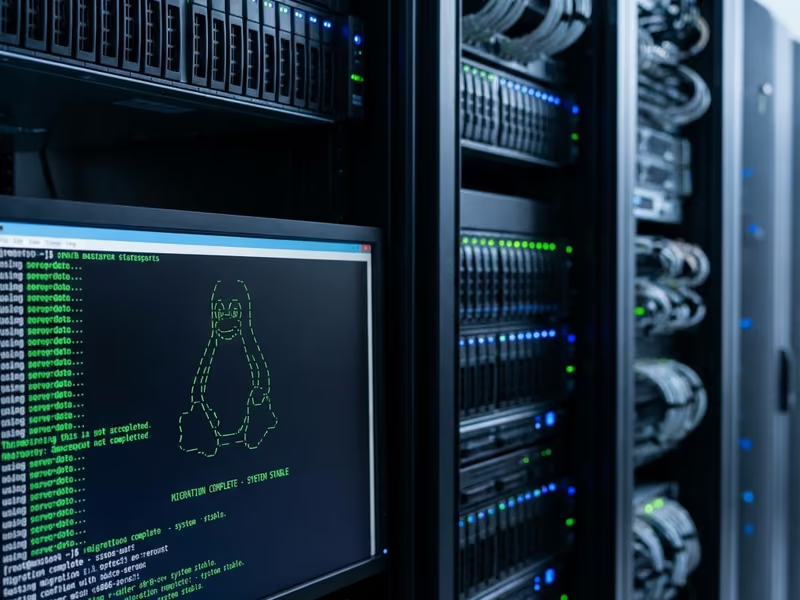
Comprehensive tech support and IT services designed to keep your home and business running smoothly.
No telemetry, no tracking, and no forced updates. You own your computer again.
Linux is lightweight. It runs beautifully on hardware that struggles with Windows 11.
Modern distros like Mint and Pop!_OS are easy to use, with familiar desktop layouts.
category: “general”
Windows is becoming increasingly resource-heavy and intrusive. If you’re tired of forced updates, slow performance, or privacy concerns, Linux is a fantastic alternative.
We’ll help you choose the right distribution (like Linux Mint or Ubuntu), install it, and set up alternatives for your favorite apps like Office, Photoshop, and more.
Transparent, competitive rates with no hidden fees—choose the plan that fits your needs
One Time
Complete migration from Windows to Linux including Ubuntu, Mint, or Fedora installation and app setup.
One Time
Configure dual-boot system to run both Windows and Linux on the same computer.
One Time
Enterprise Linux server setup and migration for small businesses.
FAQ cards are interactive. Press Enter or Space to reveal an answer, and press Escape to return to the question.
Get answers to common questions about this service.
Benefits of Linux
Tap to reveal answer
Software compatibility
Tap to reveal answer
Dual-boot setup
Tap to reveal answer
Distribution recommendations
Tap to reveal answer
Hardware requirements
Tap to reveal answer
Ongoing assistance
Tap to reveal answer